
CRM follow-up reminders that stay connected to contact context
CRM follow-up reminders: what they should help you do
If you are looking for CRM follow-up reminders, the real goal is not only to set an alert. It is to keep calls, emails, meetings and next actions attached to the right contact, so follow-up becomes a repeatable workflow instead of a memory task.
Log interactions with the right contact
Record calls, emails and meetings inside the contact record they belong to instead of leaving follow-up details in separate tools.
Set the next action before you move on
Capture the outcome and define the next step while the conversation is still fresh, so follow-up stays clear and consistent.
Keep daily reminders visible
Use a dedicated reminders view to see pending follow-up by date instead of chasing open loops across inboxes and sticky notes.
Execute follow-up from the same CRM context
Open the reminder, contact the person, log the result and schedule what comes next without leaving the CRM workflow.
What changes when reminders and interaction history live inside the CRM
CRM follow-up reminders are not only alerts. They keep each interaction, outcome and next step tied to the contact record they belong to.
- History stays attached to the contact: calls, emails, meetings and notes do not get lost in separate inboxes or files.
- Next actions become consistent: reminder date, outcome and pending step stay visible after every interaction.
- Daily follow-up becomes easier to run: one reminders view helps the team execute the right next action at the right time.
What to look for in CRM follow-up reminders
The most useful CRM reminder setup is not the one with the most notifications. It is the one that helps teams track interactions, define next actions and work daily follow-up without losing context.
Calls, emails and meetings logged in context
Keep every interaction attached to the right contact with notes, timing and useful follow-up detail.
Stage, outcome and next action per interaction
Move follow-up forward with a clear result and the next step instead of leaving conversations half-closed.
Daily reminders view for pending work
Review what is due today, what is overdue and what is coming next from one operational follow-up list.
Quick actions plus search and export
Call, message, search, filter and export reminder history without breaking the CRM workflow.
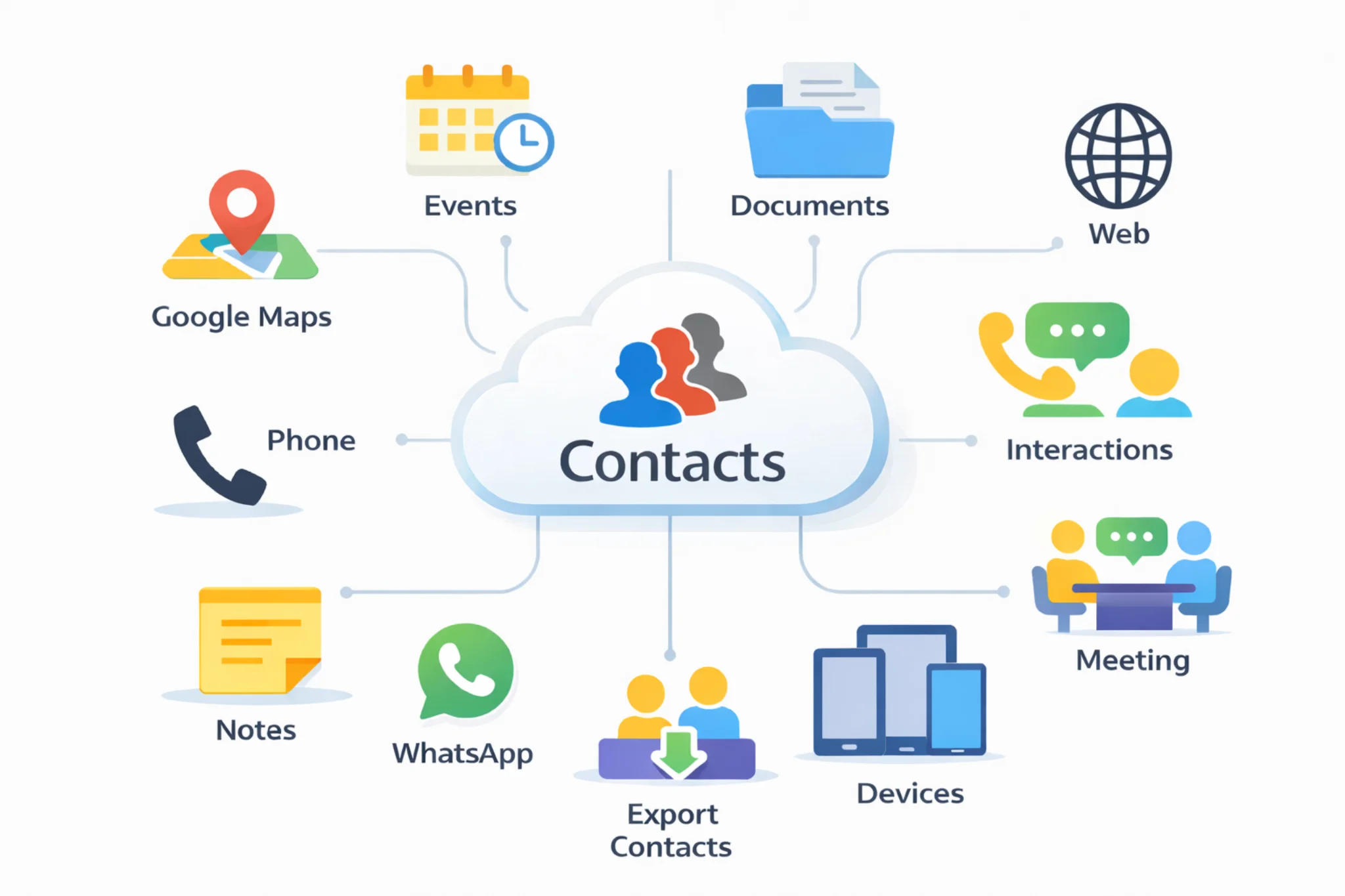
Common CRM follow-up reminder use cases
Sales follow-up, renewals, account check-ins, support callbacks and outreach are easier to manage when reminders stay tied to the contact workflow.
Instead of leaving the next step in inboxes or sticky notes, teams can log the result, schedule the reminder and continue from the same CRM record.
Explore: Cloud contacts CRM | CRM calendar | CRM document management | Pricing | Export contacts from Excel to a CRM | Google and Outlook contacts in one CRM | CRM vs spreadsheets
How teams use CRM follow-up reminders in daily work
A practical CRM follow-up workflow usually looks like this.
1. Log the interaction from the right contact
Start from the contact record and capture the call, email or meeting with notes while the conversation is still fresh.
2. Record the outcome and define the next action
After each interaction, save the result and choose the next step so follow-up is clear before you move on.
3. Set the reminder date and review the daily list
Add the reminder date or time and use the reminders view to see what is pending for today and what is coming next.
4. Execute the follow-up and schedule what comes next
Open the reminder, contact the person, log the result and create the next reminder if the relationship still needs another step.
Frequently asked questions about CRM follow-up reminders
Quick answers about tracking interactions, setting next actions and working daily follow-up from one CRM reminders view.
CRM follow-up reminders help teams define the next action after each call, email or meeting and assign a reminder date, so follow-up becomes a repeatable workflow instead of a memory task.
Useful CRM follow-up reminders usually include the contact, the interaction type, notes, outcome, next action and the date or time when the follow-up should happen.
Yes. A CRM follow-up workflow should let you record calls, emails and meetings and immediately attach the next action to the same contact record.
The daily reminders view groups pending follow-up by reminder date and shows the contact, the next action and key context, so teams can work from one operational list.
Yes. Each interaction can include a stage, an outcome and a next action, so sales and follow-up status stay consistent across active contacts.
They become more useful when the reminder needs to stay connected to the contact, the interaction history and the result of the last conversation instead of sitting in a separate task tool.