
CRM document management that stays connected to contact context
CRM document management: what it should help you do
If you are looking for CRM document management, the real goal is not just to upload files. It is to keep contracts, proposals and customer documents attached to the right contact and the right activity, so teams can find and use them without searching across folders, inboxes or shared drives.
Keep documents with the right contact
Store proposals, contracts, reports and customer files inside the contact record they belong to.
Link files to meetings and follow-up
Attach the same document to the relevant contact, meeting, task or event instead of duplicating it across tools.
Find the right file fast
Use search, sort, filters and preview to get to the document you need without browsing folders.
Work on documents in context
Download copies or edit supported files online while keeping the updated version linked to the CRM record.
What changes when documents live inside the CRM
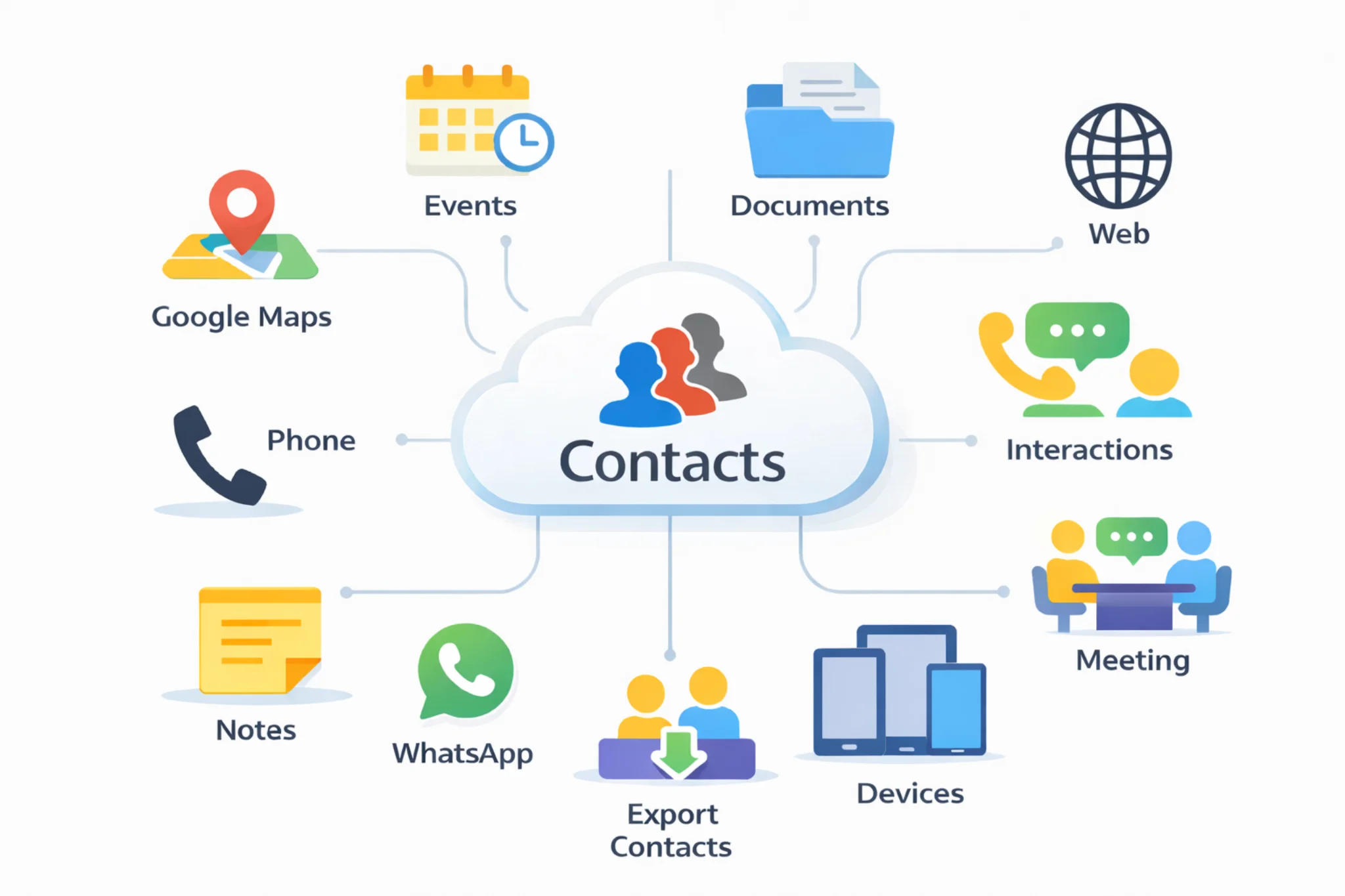
CRM document management is not only about storage. It keeps files tied to the contact record and the activity they belong to.
- Files stay attached to people and events: proposals, contracts, reports and attachments do not live in disconnected folders.
- Search becomes faster: search, sort, filter and preview documents instead of guessing where a file was saved.
- Teams work from one source of truth: meetings, notes, files and next steps stay in the same CRM workflow.
What to look for in CRM document management
The most useful CRM document management setup is not the one with the most storage. It is the one that helps teams store, find and work on customer files while keeping contact context intact.
Documents linked to contacts and events
Attach proposals, contracts and customer files to the right contact and any related meeting or event.
Upload once, keep one source of truth
Use the same document across contact records, appointments and follow-up without creating scattered copies.
Search, sort and filter in one table
Find the right file by name, date, contact or notes instead of digging through folders and email threads.
Preview, download and edit online
Open previews, download copies and edit supported Office or LibreOffice files without losing CRM context.
Common CRM document management use cases
Sales proposals, quotes, onboarding packs, contracts, customer reports and support attachments are easier to manage when files stay tied to the contact workflow.
You can also keep documents linked to the meetings and calendar events they belong to, so the right file opens from the right context.
Explore: Cloud contacts CRM | CRM calendar | Follow-up reminders | Pricing | Export contacts from Excel to a CRM | Google and Outlook contacts in one CRM | CRM vs spreadsheets
How teams use CRM document management in daily work
A practical CRM document workflow usually looks like this.
1. Upload or create the document from the right contact
Start from the contact record and add the proposal, contract, report or attachment where it belongs from the beginning.
2. Link the file to the meeting, task or event
Keep the document connected to the contact and any related appointment, follow-up or internal handoff that needs the same file.
3. Search, preview or edit when you need it
Use the document table to find the right file fast, open a preview, download a copy or edit supported files online.
4. Continue with follow-up from the same record
After the meeting or task, the document still lives in the same CRM context together with notes, reminders and next steps.
Frequently asked questions about CRM document management
Quick answers about storing, linking and finding documents inside a CRM.
CRM document management keeps proposals, contracts and customer files attached to the contact record they belong to. That makes documents easier to find and use than when they are spread across drives, inboxes and meeting notes.
Yes. You can upload a document once and keep it linked to the right contact plus any related meeting, task or calendar event that needs the same file.
Use the document table to search by file name or notes, sort by date or contact, and open a preview before downloading or editing.
Yes. You can preview and edit supported Office and LibreOffice files online while keeping the updated version attached to the CRM record.
Yes. You can download documents when needed and keep exports or backups of your data for portability, reporting and internal controls.
It becomes more useful when documents need to stay connected to contacts, meetings, notes and follow-up instead of living in generic folders with no customer context.