Try it with full access
WHAT MY CONTACTS CLOUD CRM SOLVES
My Contacts Cloud CRM follow-up reminders turn calls, emails and meetings into a trackable next-action workflow inside the contact record.
It is best used when every interaction needs a reminder date, an outcome and a clear next step that the team can review daily.
What it solves
My Contacts Cloud CRM follow-up reminders stop next steps from getting lost in inboxes, sticky notes and memory by storing interactions and pending actions inside the contact profile.
Who it is for
This module is designed for sales teams, consultants and account owners who need a reliable daily list of pending actions across active relationships.
When to use it
This module is most useful when every conversation should end with a traceable next action, a reminder date and a consistent view of status, outcome and pending work.
What makes it different
Unlike simple reminders, My Contacts Cloud CRM combines interaction logging, stage tracking, outcome tracking, next-action reminders and a dedicated daily Reminders view in one CRM workflow.
The problem: follow-ups die in inboxes and sticky notes
Turn next steps into a daily workflow — interactions, outcomes and reminders live inside the contact profile.
- Interaction log per contact: capture calls, emails and meetings with notes and context.
- Status tracking: keep stage, outcome and next action consistent across your pipeline.
- Daily Reminders view: see pending follow-ups sorted by date and execute the next action fast.
FOLLOW-UP REMINDERS
Interaction tracking and next actions — built into your contact CRM.Interaction log per contact
Record calls, emails and meetings with subject, notes and outcomes — always attached to the right contact.Stages, outcomes & next action
Track sales status with a clear stage and outcome, then define the next step so nothing gets lost.Daily Reminders cockpit
Work from a single view that lists pending follow-ups by reminder date — perfect for daily execution.Quick actions + search & export
Trigger fast actions (call/message) and use search plus exports for reporting and backups.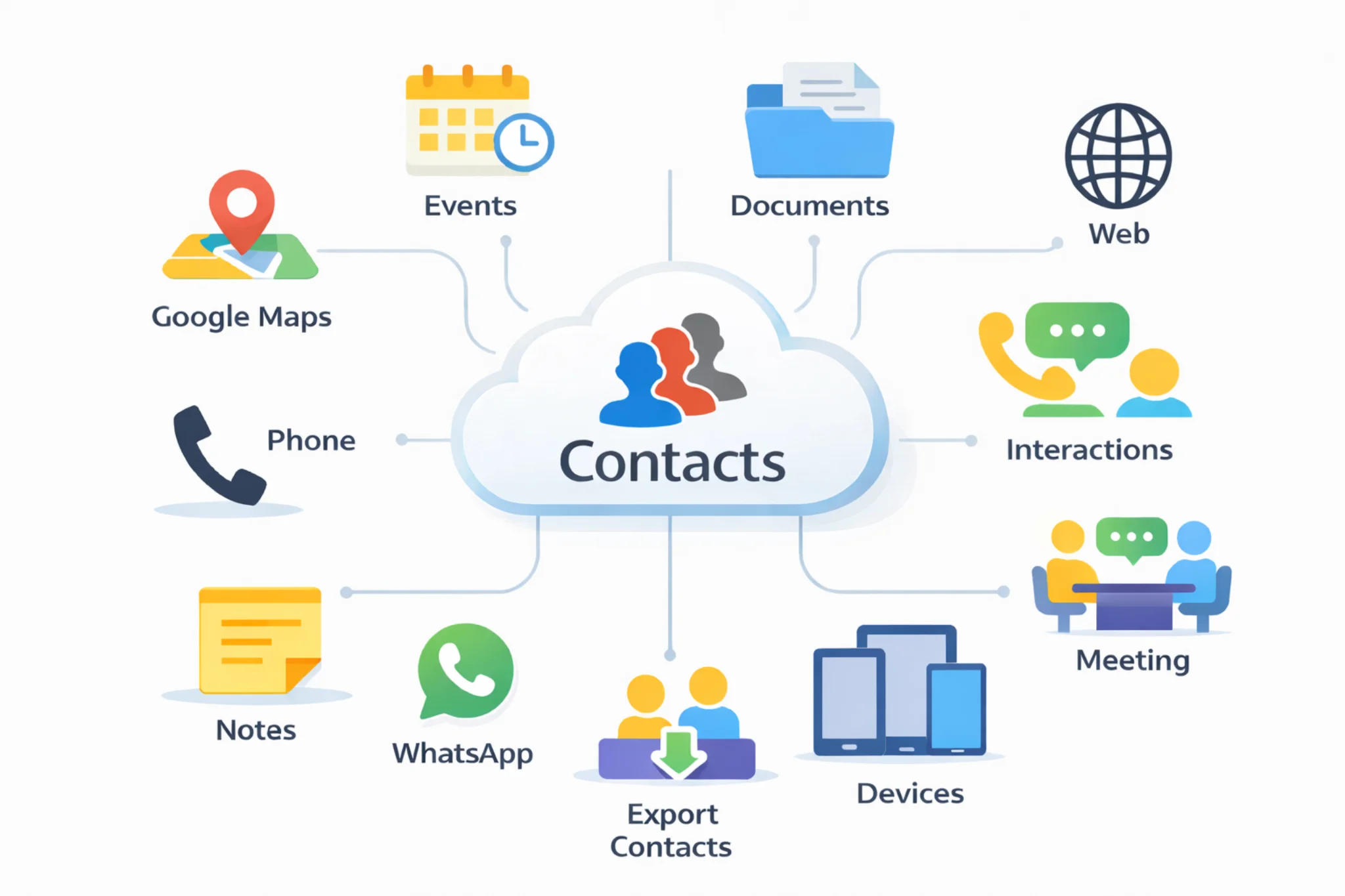
Operational follow-up, not scattered notes
Follow-up is where deals are won and relationships are maintained — but most teams run it from inboxes, sticky notes or memory. My Contacts Cloud CRM keeps interaction history and next actions inside each contact.
The Reminders view helps you run follow-up as a daily routine: open the list, execute the next action, log the result, and schedule the next step.
Use cases
- Sales follow-up and pipeline hygiene
- Account management, renewals and check-ins
- Support callbacks and escalation reminders
- Recruiting, outreach and relationship management
Explore: Cloud contacts CRM · Documents · Calendar · Pricing · Excel contacts to CRM · Google + Outlook contacts in one CRM · CRM vs spreadsheets
INSTALL
Install it on all your devices to keep your cloud data synchronizedGoogle Play
Install Android AppMicrosoft Store
Install Windows AppApp Store
Install App on iOSmacOS
Install App on macOSGoogle Chrome
Install ExtensionMicrosoft Edge
Install ExtensionFREQUENTLY ASKED QUESTIONS
Quick answers about follow-up reminders and interaction tracking.CRM follow-up reminders help you define the next action for each contact (call, email, meeting, etc.) with a reminder date/time, so daily follow-up becomes a repeatable workflow instead of relying on memory or inbox flags.
You can log calls, emails and meetings with date/time, type, subject and notes, keeping a clear history of what happened and what to do next.
Yes. Each interaction can include a stage, an outcome and a next action, so you can keep sales and follow-up status consistent across contacts.
The Reminders view groups pending follow-ups sorted by reminder date. It shows the contact, the pending action and key details so you can execute follow-up work in a single operational cockpit.
Yes. From the reminders list you can trigger fast actions like calling a contact, sending a message, or jumping to the contact profile to record the result.
Yes. You can search and filter interaction and reminders lists and export data for reporting or backups.