Try it with full access
WHAT MY CONTACTS CLOUD CRM SOLVES
My Contacts Cloud CRM calendar scheduling keeps meetings, tasks and events linked to the contact record they belong to.
It works best when planning must stay connected to participants, notes, links, locations and attached files instead of living in a separate calendar.
What it solves
My Contacts Cloud CRM removes the gap between your calendar and your contact data, so appointments no longer live apart from participants, notes, links and files.
Who it is for
This module is built for sales, account management and service teams that need structured planning around contacts, meetings and next steps.
When to use it
This module is most useful when meetings, follow-ups or tasks need to be scheduled, rescheduled and tracked in the same place as the customer record.
What makes it different
Unlike a standalone calendar, My Contacts Cloud CRM keeps agenda views, drag-and-drop rescheduling, participant management, locations, links and attachments tied back to the CRM.
The problem: calendar is not connected to contacts and context
Plan meetings, tasks and events with the right information: participants, location, links and files — all linked to the contact CRM.
- Advanced agenda views: month, week, day and list.
- Drag-and-drop rescheduling: move items in seconds.
- Complete event context: participants, locations, links and attachments.
KEY FEATURES
A CRM calendar designed for real workflows: agenda views, fast planning, participants and attachments.Advanced agenda views
Month/week/day views plus a list view to review upcoming work.Drag-and-drop rescheduling
Move meetings and tasks instantly to update dates and times.Event form that’s actually complete
Location (maps), web link, color coding, description and attached documents.Participants linked to contacts
Manage attendees inside the event, with search and quick add from your CRM.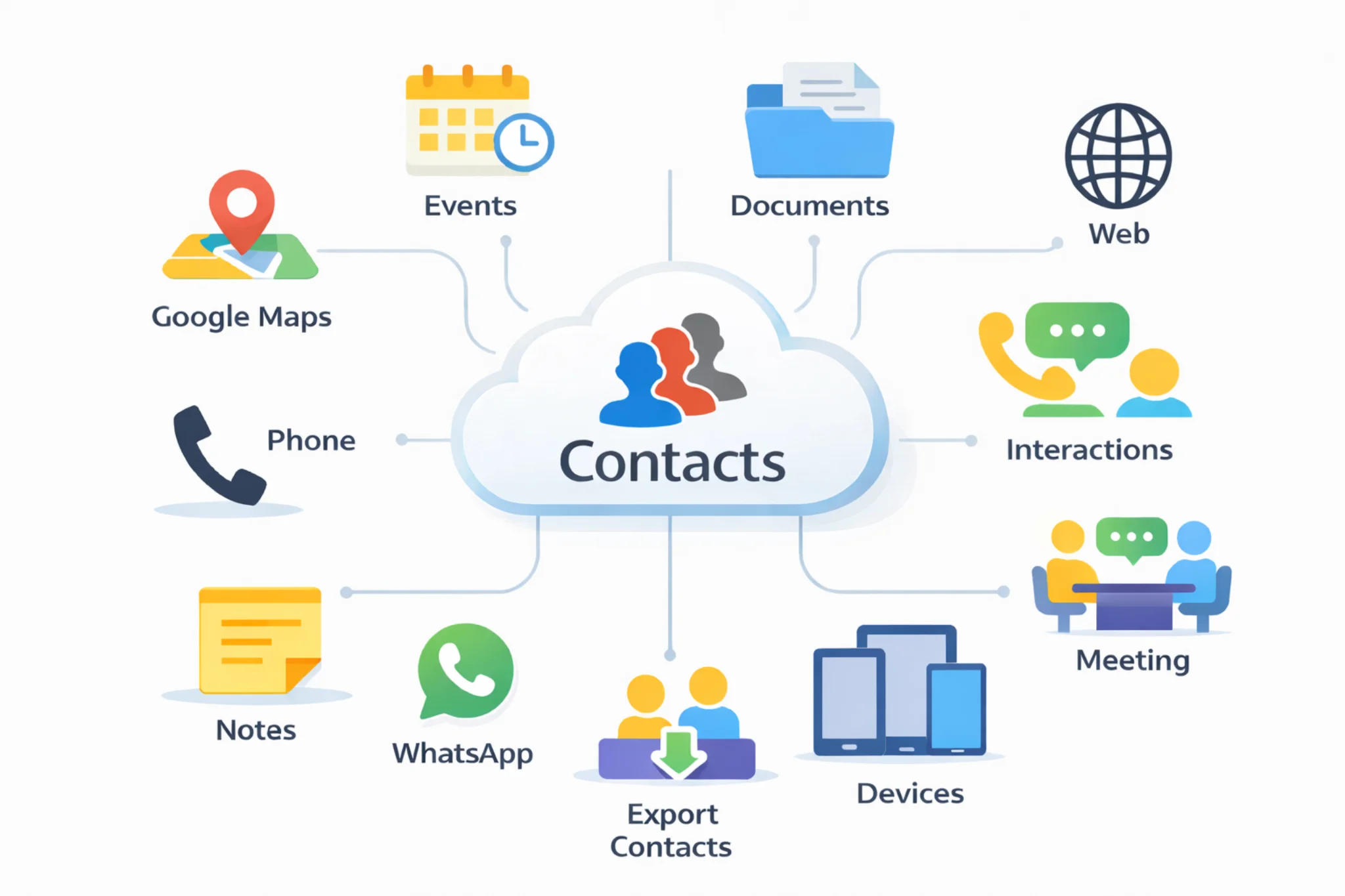
Use cases
Client meetings, site visits, renewals, project milestones, internal tasks — with the right contact context every time.
Tip: add an online meeting link to the event and start the call directly from the agenda.
Explore: Cloud contacts CRM · Document management · Follow-ups · Pricing · Excel contacts to CRM · Google + Outlook contacts in one CRM · CRM vs spreadsheets
INSTALL
Install it on all your devices to keep your CRM calendar and contacts synchronizedGoogle Play
Install Android AppMicrosoft Store
Install Windows AppApp Store
Install App on iOSmacOS
Install App on macOSGoogle Chrome
Install ExtensionMicrosoft Edge
Install ExtensionFREQUENTLY ASKED QUESTIONS
Quick answers about CRM calendar, agenda views and scheduling.A CRM calendar links meetings, tasks and events to your contact profiles, so every appointment includes the right context: participants, notes, locations and related files.
You can plan with month, week and day views, plus a list view to review upcoming work. You can also adapt the agenda to business hours and planning intervals.
Yes. Move meetings and tasks directly on the calendar to reschedule instantly, without retyping dates and times.
Events can include a complete form: title, description, all‑day or scheduled time, color, location (with direct access to maps), web link, and attached documents.
Each event includes a participants table linked to contacts, with search and quick add. You can manage participants and keep the event connected to the CRM.
Yes. Add meeting links and start calls directly from the event using Google Meet, Microsoft Teams or Zoom.