Try it with full access
WHAT MY CONTACTS CLOUD CRM SOLVES
My Contacts Cloud CRM document management keeps contracts, proposals, reports and other client files attached to the right contact and the right event.
It is best used when teams need searchable files in context, not documents buried in generic folders, inboxes or shared drives.
What it solves
My Contacts Cloud CRM document management keeps contracts, proposals, reports and customer files from being scattered across drives, inboxes and meeting notes.
Who it is for
This module is built for sales, service and admin teams that need client-facing files tied to people, projects, appointments or account history.
When to use it
This module is most useful when the right file must open directly from the contact record or from the related calendar event.
What makes it different
Unlike generic file storage, My Contacts Cloud CRM links documents to both contacts and events, with table search, sorting, preview, download and supported online editing in the same CRM workflow.
The problem: files scattered across drives, email threads and events
Store documents next to the people and meetings they belong to — so your CRM becomes the single source of truth.
- Documents linked to contacts & events: attach proposals, contracts, reports and customer files.
- Find anything fast: table view with search, sort and filters.
- Preview, download & edit online: work with supported Office and LibreOffice documents.
CRM DOCUMENT MANAGEMENT
Keep every file attached to the contact and calendar event where it belongs.Documents inside the contact profile
Keep proposals, contracts and notes linked to the right person — not lost in folders.Upload once, link everywhere
Attach the same document to the contact and related meetings or events (single source of truth).Find anything fast
Search, filter and sort documents in a table view — by name, type, date or contact.Preview, download & edit online
Open documents, verify content, download a copy, and edit supported Office/LibreOffice files.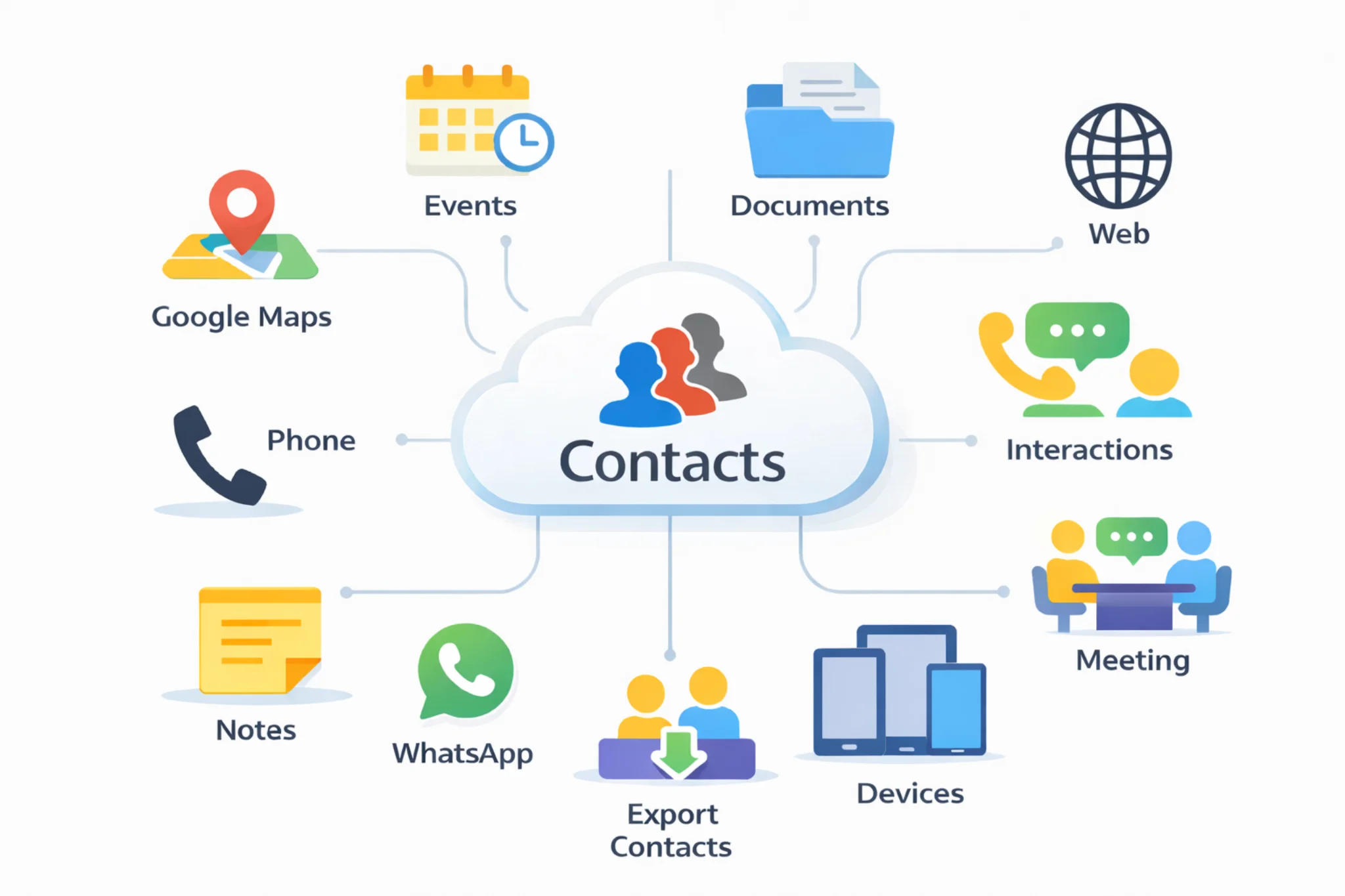
Documents linked to contacts & calendar events
Connect documents to the people you work with and the events you schedule. No more guessing where a file lives — the contact becomes the hub.
Use cases
- Sales proposals, quotes and onboarding packs
- Contracts, NDAs and compliance documents
- Customer reports, invoices and support attachments
- Meeting notes and documents linked to calendar events
Explore: Cloud contacts CRM · Calendar · Follow-ups · Pricing · Excel contacts to CRM · Google + Outlook contacts in one CRM · CRM vs spreadsheets
INSTALL
Install it on all your devices to keep your cloud data synchronizedGoogle Play
Install Android AppMicrosoft Store
Install Windows AppApp Store
Install App on iOSmacOS
Install App on macOSGoogle Chrome
Install ExtensionMicrosoft Edge
Install ExtensionFREQUENTLY ASKED QUESTIONS
Quick answers about CRM document management and attaching files to contacts.CRM document management keeps files attached to contacts and activities so you can find proposals, contracts and customer documents from the contact profile instead of searching across drives and email threads.
Yes. Upload a document once and link it to the right contact and any related event or meeting so you always work from a single source of truth.
Use the document table to search by name or notes, sort by date or contact, and open a preview before downloading.
You can preview and edit supported Office/LibreOffice documents online and keep the updated version linked to the contact.
You can download documents when needed and keep exports or backups of your data for portability and reporting.